Entra ID login fails – popup replaced by new tab with error
We are using Robopack to deploy software in our customer tenants via Microsoft Intune.
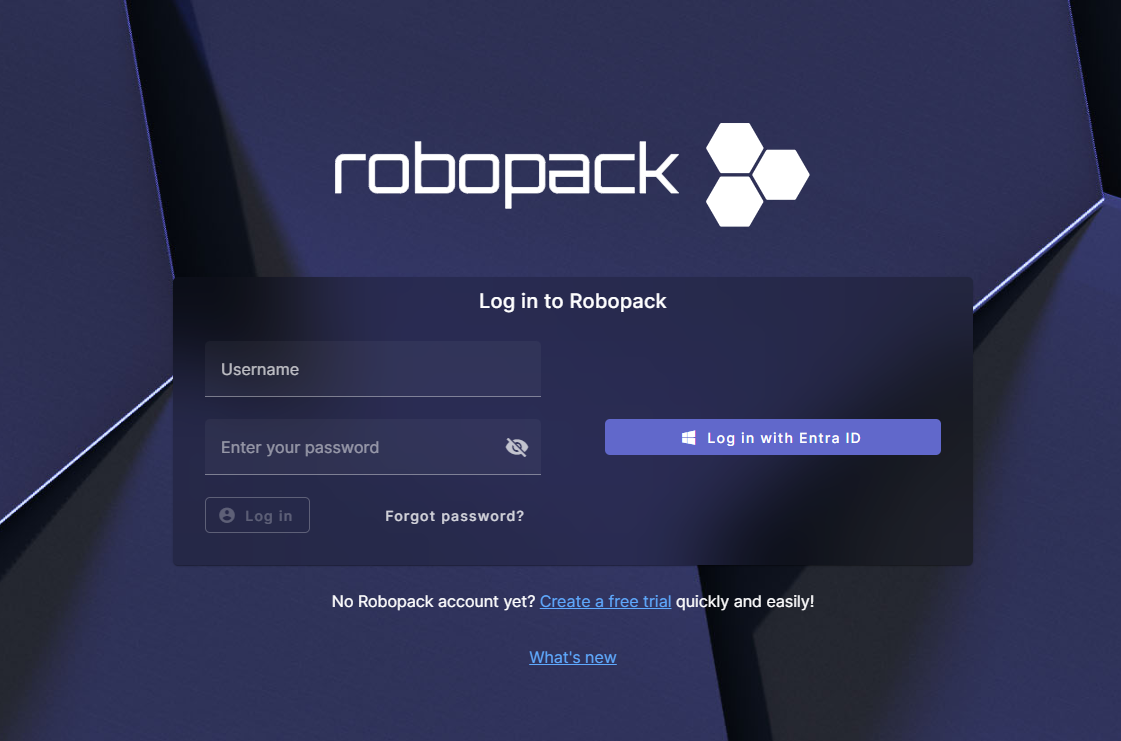
Login is performed using Entra ID credentials via:
https://app.robopack.com
Normally, when clicking “Log in with Entra ID”, a popup window opens for authentication.
Current behavior:
Instead of opening a popup, physonics opens a new browser tab.
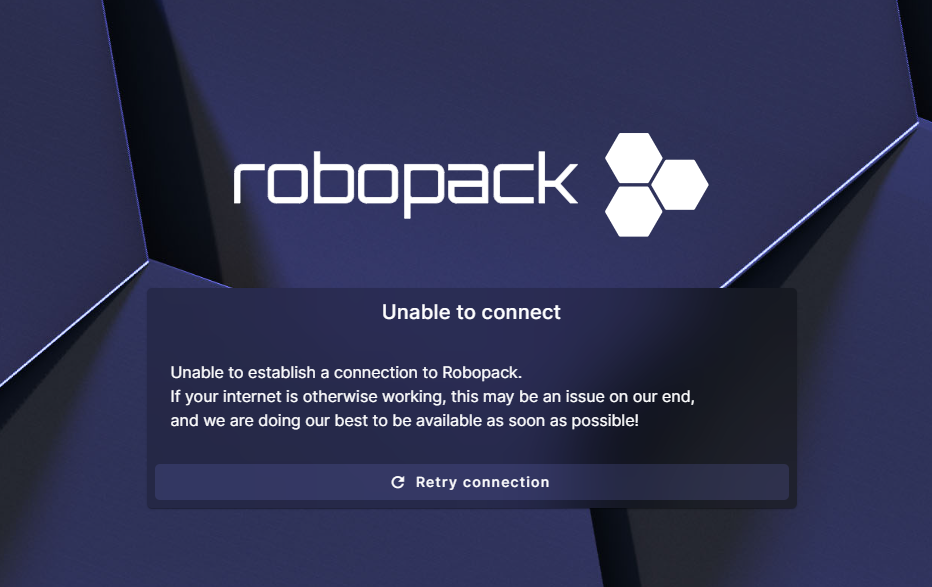
The Entra ID login process starts in a new tab, but after authentication an error is displayed.
Expected behavior:
A popup window should open and complete the Entra ID authentication successfully, as in the normal browser.
Steps to reproduce:
Go to https://app.robopack.com
Click “Log in with Entra ID”
A new tab opens instead of a popup
Login completes, but an error is shown afterward
Question / Request:
Is it possible allow popups?
Comments2
Alexander von PhySonix
Jan 27
That is interesting. We use WebView2 to embed the browser in Easy Connect, and technically speaking it shouldn’t make any difference whether the new page is shown as a new tab or a popup window. It’s our own code doing that anyways. WebView2 (the browser) doesn’t care, doesn’t even have a way to check.
I can’t imagine how that could have any impact at all on the website functionality. Because of that, I don’t think just changing it from a tab to a popup will do anything. There must be a different issue here.
Is it possible for you to provide us with a test-user, so we can reproduce the issue on our end?
Stefan Gazke
Jan 27
Hi Daniel,
you can easily create a trial on following link:
https://app.robopack.com/trial